Your signup numbers look great. Then you send your first email and the opens are terrible, nobody uses the free trial, and your coupon codes vanish without a single sale.
There's a good chance some of those signups were never real. People use fake and throwaway email addresses to grab freebies, trials and discounts without ever hearing from you again.
It feels harmless, but it quietly costs you money, hurts your email delivery and makes your marketing numbers look better than they are.
This guide shows you how to spot fake signups, how to stop them before they reach your list, and how to keep your list clean over time.
What Counts as a Fake Signup?
Fake signups come in a few different forms.
- Disposable emails. Temporary inboxes that work for a few minutes or hours, then disappear. They're made for grabbing a freebie and walking away.
- Made-up addresses. Random strings or typos that never belonged to anyone.
- Bot signups. Automated scripts that fill in forms by the hundreds.
- Trial abusers. Real people who create new accounts again and again with throwaway emails to keep getting free trials.
Disposable email addresses are the hardest to catch by eye, because they look like normal emails. There are hundreds of websites that hand them out, using thousands of different domains. If you want the full background, read our guide on what a disposable email address is and how to block it.
Why People Use Fake Emails
It helps to understand the people behind fake signups. Most aren't villains. They just want your freebie without the follow-up emails.
Some are worried about spam. They've been burned before, so they use a throwaway address for anything new. Others are deal hunters who collect coupons and trials from dozens of sites. A smaller group are abusers who create account after account to use a paid service for free. And then there are bots, which fill forms for spam, testing stolen data or simply causing trouble.
This matters because it shapes your fix. Spam-worried visitors can be won over with a clear promise and a trust line. Deal hunters and abusers need to be blocked. Bots need technical defenses.
What Fake Signups Really Cost You
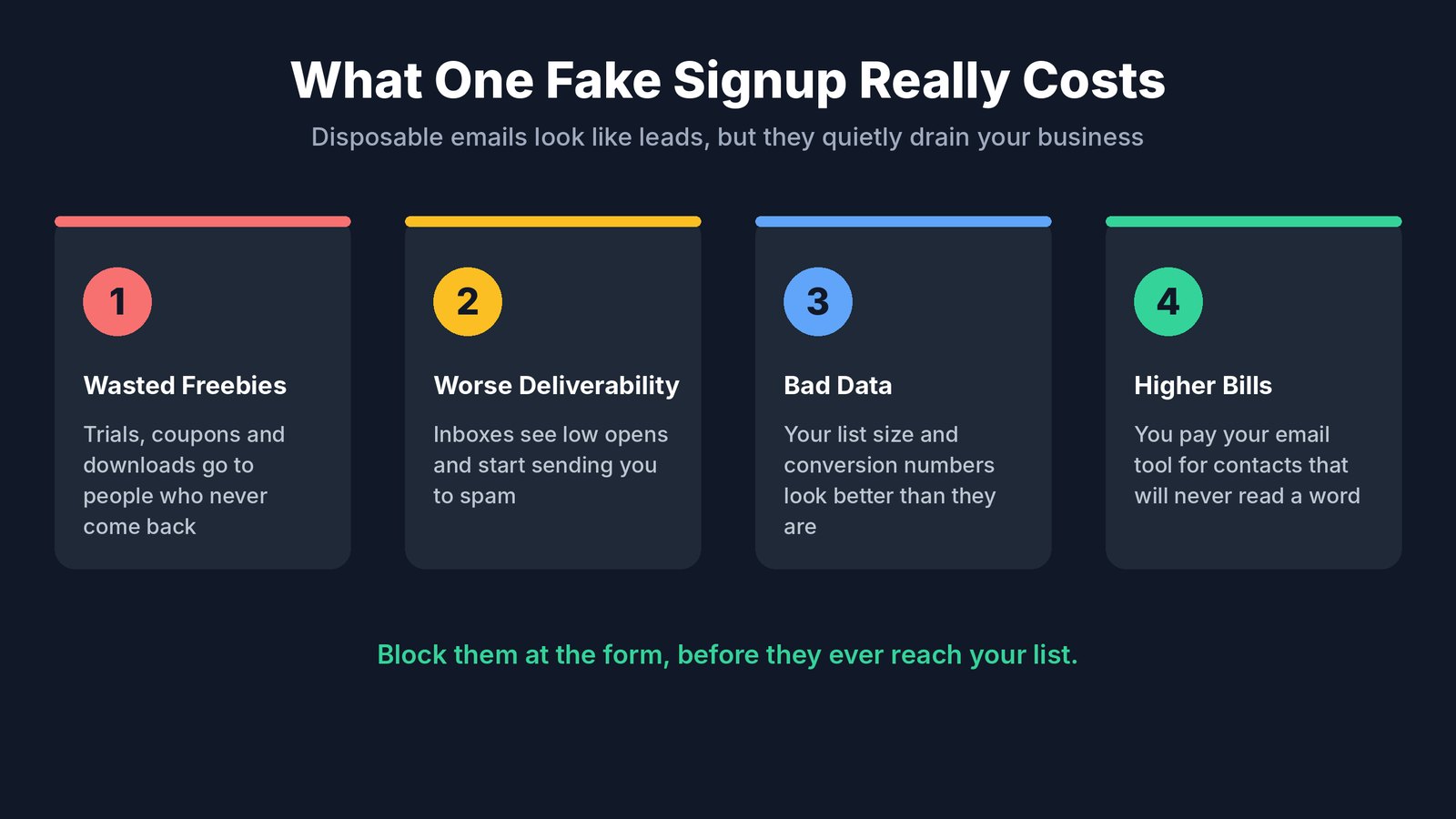
Wasted Freebies and Trials
Every free trial, coupon and lead magnet costs you something. When it goes to a throwaway address, you get nothing back. No follow-up, no sale and no relationship.
Worse Email Delivery
Email providers watch how people react to your emails. Disposable inboxes never open anything. Over time, a list full of dead addresses drags down your open rates, and inbox providers may start sending your emails to spam, even for your real subscribers.
Bad Data
Fake signups make your list look bigger and your conversion rates look better than they are. That can lead you to keep spending on ads or campaigns that aren't really working.
Higher Bills
Most email platforms charge by the number of contacts. Every fake address you store is one you're paying for, month after month.
Signs You Have a Fake Signup Problem
- Open rates are dropping even though your content hasn't changed.
- Lots of signups, few customers. Trials and freebies get claimed but rarely convert.
- Odd email domains you've never heard of show up again and again.
- Sudden signup spikes at strange hours, often from bots.
- Many bounces or emails that never get opened at all.
- The same person, or the same pattern, signing up many times.
If two or three of these sound familiar, fake signups are probably costing you more than you think.
Step 1. Block Disposable Emails at the Form
The best place to stop a fake signup is before it ever reaches your list. When someone types an email into your form, check it right away. If it's from a disposable email service, show a friendly message asking for a real address.
This works because people who really want your offer will simply enter their real email. People who were only after a freebie will leave, which is fine, because they were never going to buy.
You can't do this well with a hand-made list of bad domains. New disposable email services pop up constantly. You need a list that's updated every day, which is exactly what a tool like NoTempMails provides.
Step 2. Add Simple Bot Protection
Bots fill in forms automatically, often by the hundreds. A few light defenses stop most of them.
- A hidden honeypot field that humans never see but bots fill in.
- A simple captcha on forms that get hit hard.
- Rate limits that stop the same source from signing up many times in a row.
Keep these light and test them yourself. Heavy captchas annoy real visitors and lower your signups.
Step 3. Use Double Opt-In Where It Matters
Double opt-in asks new subscribers to click a link in a confirmation email before they're added to your list. It proves the inbox is real and that the person wants your emails.
It does lower signups a little, because some people never click. That's why many businesses use it only for their most important lists, and rely on disposable email blocking everywhere else.
Step 4. Protect Your Free Trials
Software companies and membership sites get hit hardest by fake signups, because a free trial is valuable. One person can create dozens of accounts with throwaway emails and never pay.
- Block disposable emails at signup so every trial is tied to a real inbox.
- Verify the email before giving full access.
- Watch for patterns like the same device or payment card on many accounts.
- Limit what's free. A shorter trial or a usage cap makes abuse less worth the effort.
Step 5. Clean Your Existing List
Blocking new fakes is only half the job. Your current list probably has some too.
Look for contacts who have never opened an email in 90 days or more. Run your list through an email verification service to catch invalid and disposable addresses. Then send one last "Do you still want to hear from us?" email to inactive contacts and remove anyone who doesn't respond.
A smaller, real list beats a big, fake one every time, no matter what size your business is. Your open rates go up, your delivery improves and your email bill goes down. For tools that check addresses in bulk or through an API, see our list of the best email verification APIs.
Ask for a Real Email Without Annoying People
When you block a disposable address, the message you show matters. A harsh error makes real people feel accused. A friendly one keeps them on your side.
Try something like this. "Looks like that's a temporary email address. Please use your regular email so we can send your free guide. We never share it and you can unsubscribe any time."
It explains the problem, repeats what they'll get and answers the spam worry, all in three short sentences. Most real visitors will simply type their real address and carry on.
Fake Signups by Type of Business
Online courses and coaches. Free lessons, webinars and lead magnets attract freebie hunters. Blocking disposable emails keeps your list full of people who might actually buy your course.
Software companies. Free trials are the main target. Fake accounts eat server costs and skew your trial to paid numbers. Checking emails at signup through an API stops most of it.
Online stores. First-order discount codes get claimed again and again with new throwaway emails. Requiring a real email protects your margins.
Agencies and lead sellers. If you sell or pass on leads, fake ones damage your reputation with clients. Clean leads are worth far more.
How NoTempMails Stops Fake Signups
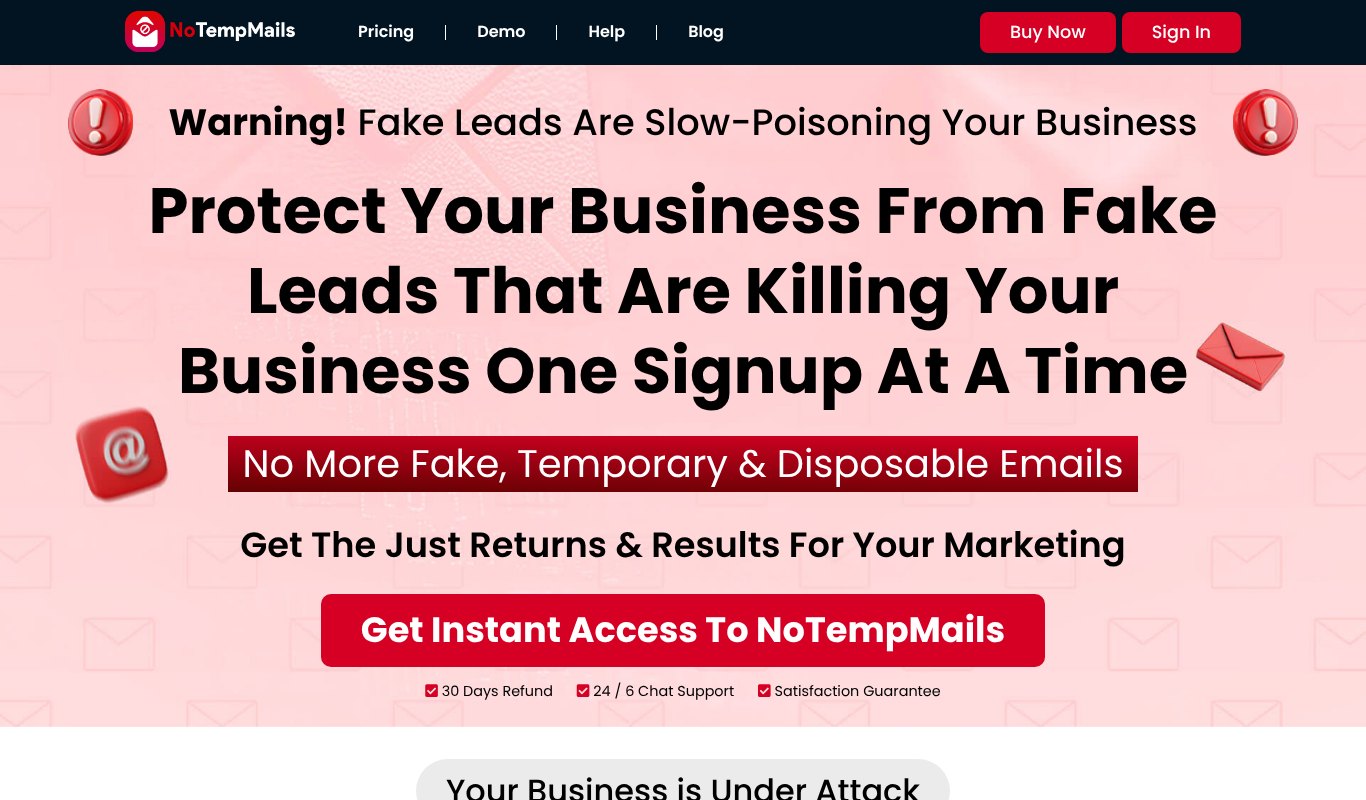
NoTempMails is built to do one job well. Keep fake, temporary and disposable email addresses out of your forms and your apps.
When someone signs up, NoTempMails checks the address against its daily updated database of disposable email providers. If it's a throwaway address, the signup is blocked and the visitor is asked for a real one. Real people get through without noticing a thing.
- Protects your opt-in forms so freebies and lead magnets go to real people.
- Protects your SaaS and app signups through a simple API.
- Daily updated list of disposable email domains, so new services get caught fast.
- 20,000 credits for checking addresses.
- Lifetime account, so there's no monthly bill.
The result is more real signups, better email delivery, cleaner data and ad money that goes further.
NoTempMails costs a one-time $47 for a lifetime account, with a 30 day refund.
A Quick Before and After
Picture a small online course business giving away a free mini course. Each month, 1,000 people sign up. A good share of them use throwaway emails, so the welcome emails go nowhere, open rates look poor, and the email tool bills for every contact.
Now add disposable email blocking at the form. Total signups dip a little, because the freebie hunters leave. But the people who stay are real. Opens go up, more people finish the mini course, and more of them buy the full program. The list is smaller, but it's worth more.
That's the trade every business should be happy to make, and it usually pays for itself within the first month. Fewer fake numbers, more real customers.
A Simple Fake Signup Checklist
| Area | What to Do |
|---|---|
| Signup forms | Block disposable emails with a daily updated list |
| Bots | Add a honeypot field and light rate limits |
| Key lists | Use double opt-in |
| Free trials | Require a real email and watch for repeat accounts |
| Existing list | Verify addresses and remove inactive contacts |
| Reporting | Track opens, bounces and trial conversions monthly |
Common Mistakes to Avoid
- Only cleaning, never blocking. If you don't stop fakes at the form, your list fills up again.
- Blocking too much. Don't block big free providers like Gmail. Most real people use them.
- Heavy captchas everywhere. They stop bots but also annoy real visitors.
- Ignoring the numbers. Falling open rates are often the first sign of a fake signup problem.
- Using an old list of bad domains. Disposable services change daily, so your list must too.
FAQ
What is a disposable email address?
It's a temporary inbox that works for a short time and then disappears. People use them to sign up for things without giving their real email.
Will blocking disposable emails lower my signups?
Your total signups may dip slightly, but the people you lose were never going to buy. Your real signups, opens and sales usually go up.
Is double opt-in enough to stop fake signups?
It helps a lot, but some disposable inboxes can still receive and click confirmation emails. Blocking disposable domains at the form closes that gap.
Can I use NoTempMails with my own app?
Yes. NoTempMails includes API access, so you can check emails during signup in your own app or SaaS.
How often do new disposable email services appear?
All the time. New domains show up daily, which is why a list that updates every day works much better than a list you put together once.
Do I still need email verification if I block disposable emails?
It's still useful for cleaning older lists and catching typos or dead inboxes. Blocking stops new fakes, and verification cleans up what's already there.
Do fake signups affect my ad results?
Yes. If you pay for leads through ads, fake signups make your cost per lead look lower than it really is. Blocking them shows you which campaigns bring in real people, so you can spend your budget where it works.
Final Thoughts
Fake signups look like growth but act like a slow leak. They waste your freebies, hurt your delivery and blur your numbers.
The fix is simple. Stop disposable emails at the form, add light bot protection, protect your trials and clean your list regularly. To block throwaway addresses automatically, get NoTempMails and keep your list full of real people.